
Connect · Free and premium
Friends, groups, and challenges
Connect with people you know, join or create groups, and participate in shared challenges.
Before you start
Profile → Friends, Groups, or Challenges
Have ready
- A CalorieGram username for friend discovery
Step by step
Walkthrough
- 01
Set up social identity
Confirm the username and profile details you are comfortable sharing.
- 02
Connect or join
Search for a friend, use a shared add-friend link, or open a group invite and review it before accepting.
- 03
Open the group
Review members, group activity, challenge details, and the selected leaderboard view.
- 04
Participate deliberately
Track progress normally and use group competition as motivation rather than a measure of personal worth or medical health.
What you will see
These screens show the current app layout. Platform-specific labels and controls are noted below.
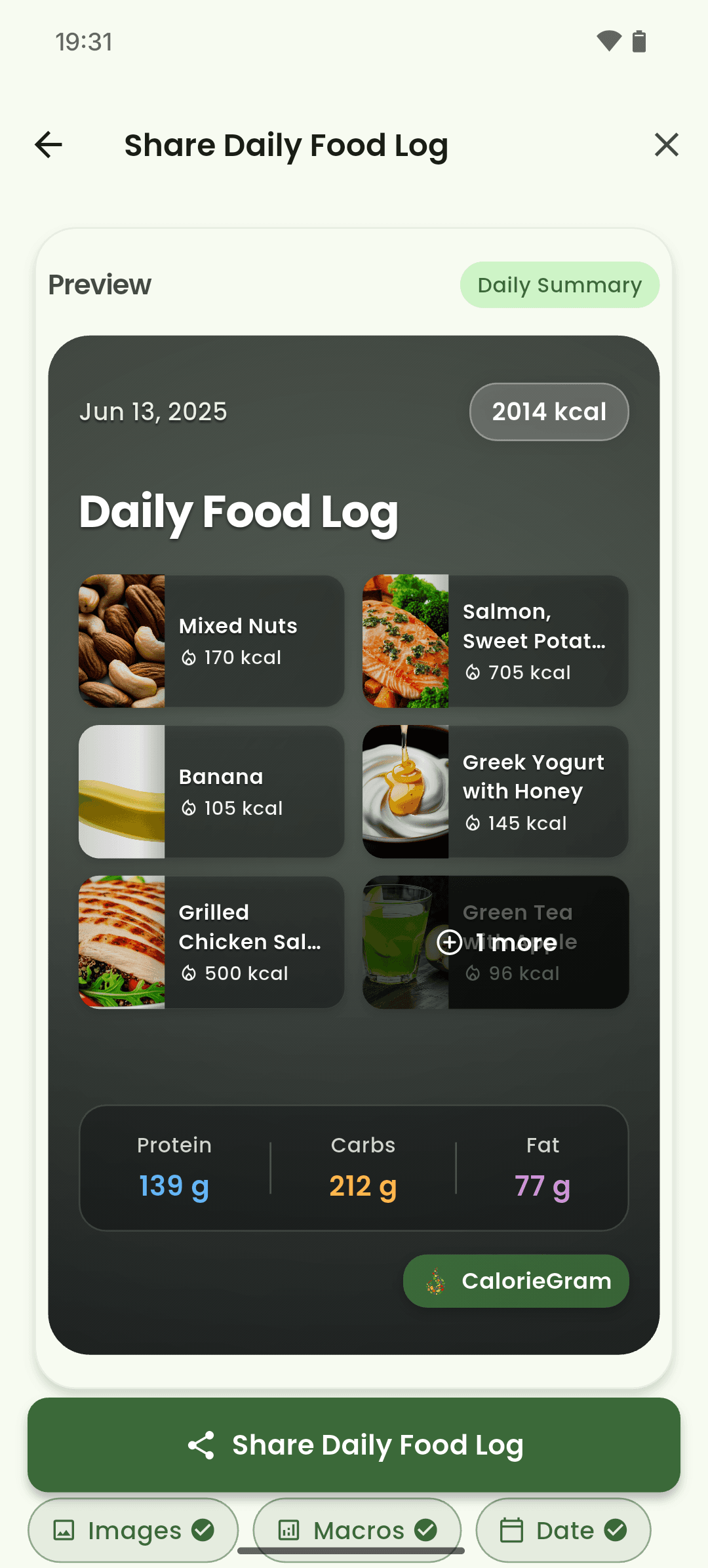
iOS and Android
iOS
- Invite links can open the app directly when universal or app links are available.
Android
- Invite links can open the app directly when universal or app links are available.
If something looks wrong
- Confirm the username or invite code if a person or group cannot be found.
- Review sharing and group membership before posting sensitive health information.
Keep learning
Still need a hand?
Tell us which step you reached and what you expected to happen. We will help you find the next move.
Contact support