
Move · Free and premium
Use Exercise Coach and recovery insights
Explore workout suggestions, recovery planning, metabolic details, and nutrition-aware exercise context.
About 5 minutes4 stepsReviewed for v1.11.0
Before you start
Where to find it
AI → Exercise Coach
Have ready
- Current exercise preferences and health metrics
Step by step
Walkthrough
- 01
Open the exercise hub
Choose Exercise Coach and review the available workout, insight, recommendation, and recovery areas.
- 02
Confirm your context
Check exercise preferences, recent activity, goals, and available nutrition data before using a suggestion.
- 03
Review a recommendation
Read the proposed activity, intensity, duration, and supporting explanation.
- 04
Use recovery guidance
Open recovery planning after relevant activity and adapt it to how you actually feel.
What you will see
These screens show the current app layout. Platform-specific labels and controls are noted below.
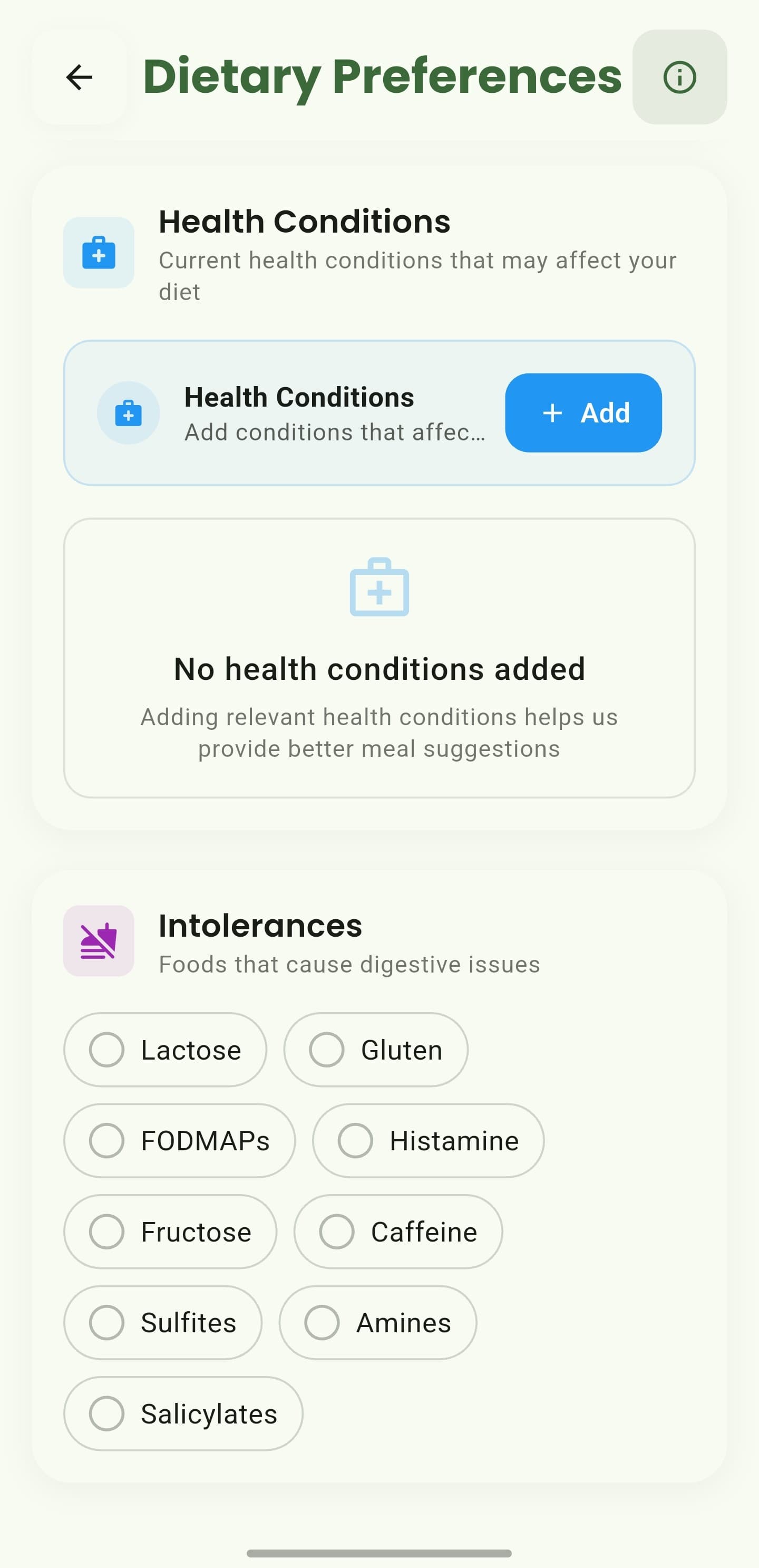
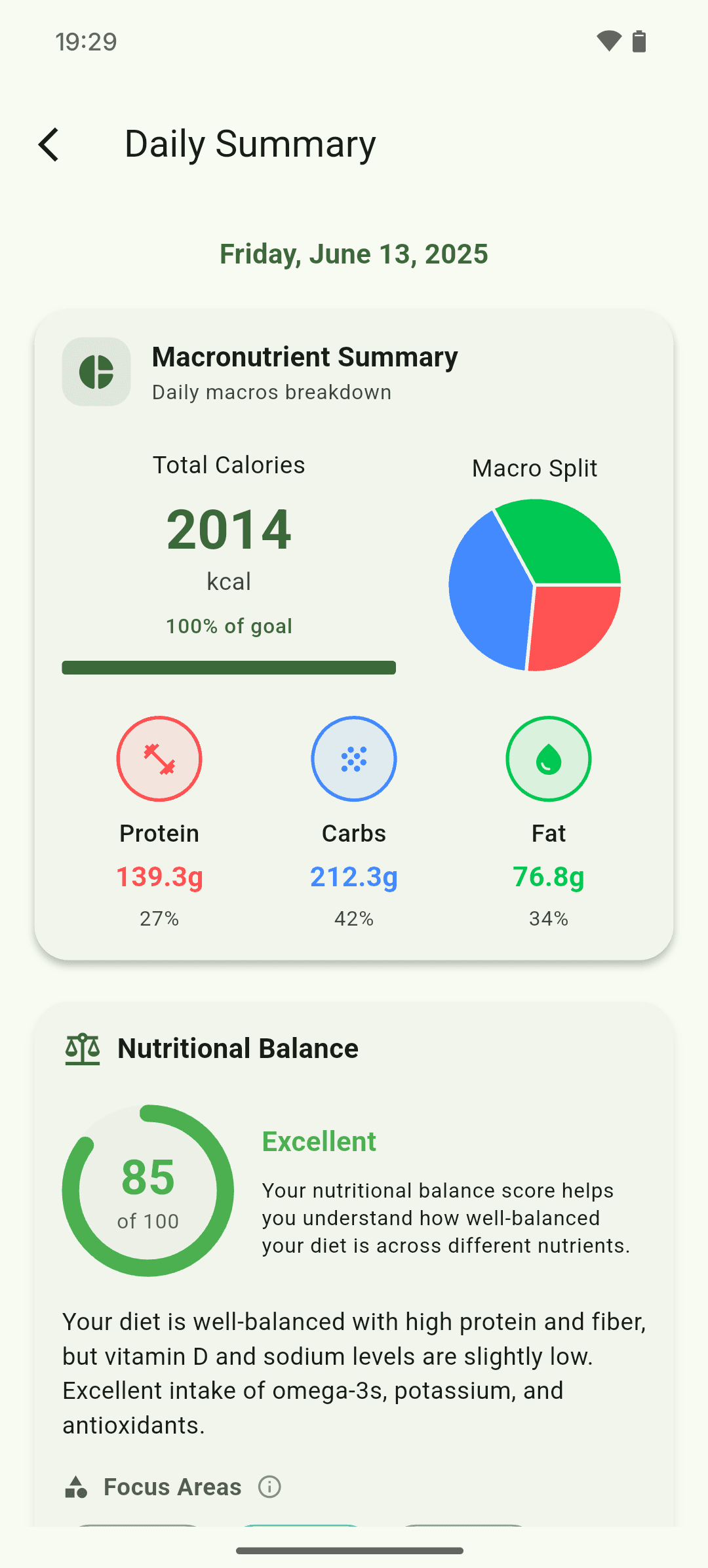
iOS and Android
iOS
- Exercise suggestions are general wellness information, not a training prescription.
Android
- Exercise suggestions are general wellness information, not a training prescription.
If something looks wrong
- Update exercise preferences when suggestions do not fit your equipment or routine.
- Imported workouts require the health-platform connection and permission.
Keep learning
Still need a hand?
Tell us which step you reached and what you expected to happen. We will help you find the next move.
Contact support