
Plan · Free and premium
Manage your pantry and use Pantry Chef
Add ingredients manually or by scan, review possible duplicates, build a shopping list, and generate meal ideas.
Before you start
Profile → Pantry, or AI → Pantry Chef
Have ready
- Saved food preferences for personalized recipes
Step by step
Walkthrough
- 01
Stock the pantry
Add an item manually, photograph groceries or a pantry shelf, or use the receipt capture entry point.
- 02
Review detected items
Correct names, quantities, and units. Resolve possible duplicate matches before saving.
- 03
Maintain availability
Update or remove items as you use them and add missing ingredients to the shopping list.
- 04
Open Pantry Chef
Generate recipe ideas from available ingredients and review required extras, nutrition, and preferences before choosing one.
What you will see
These screens show the current app layout. Platform-specific labels and controls are noted below.
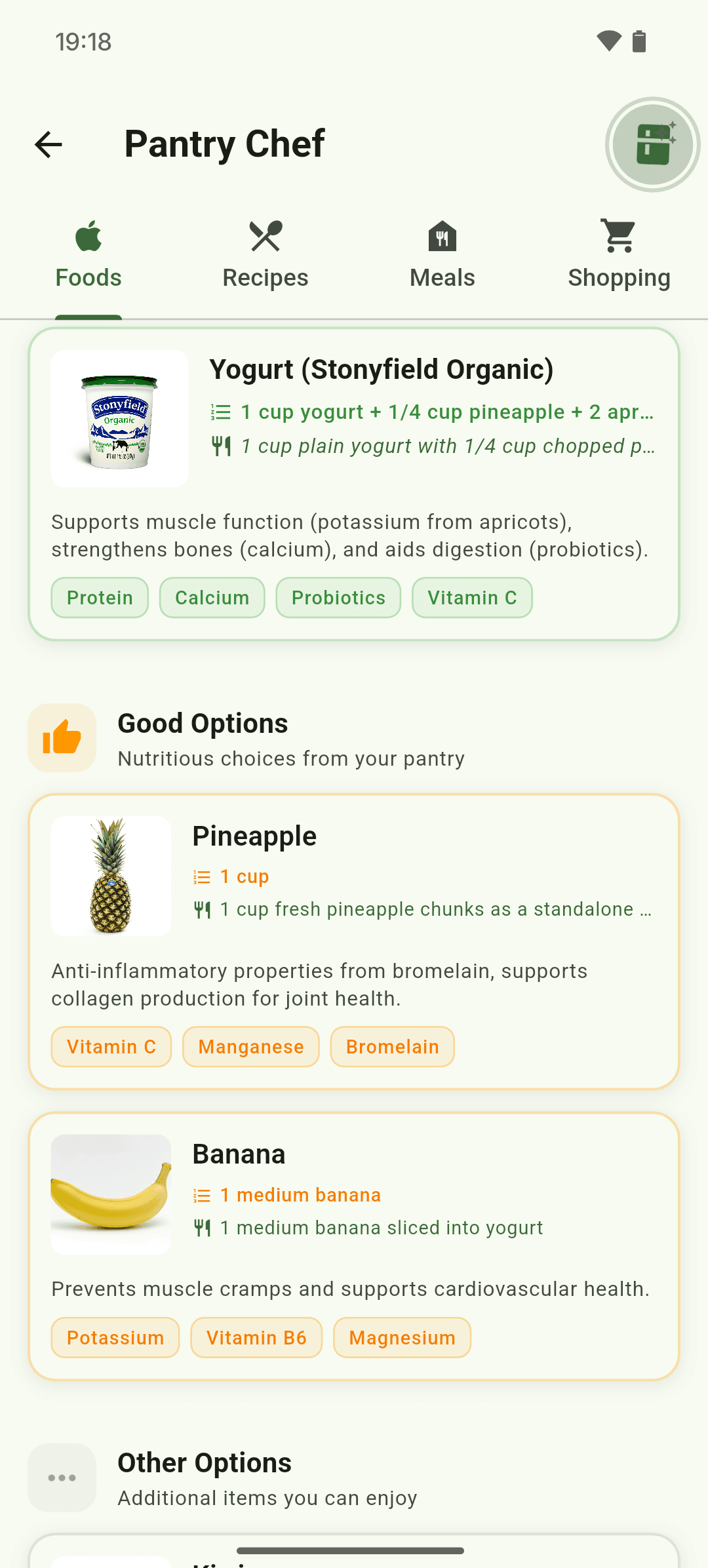
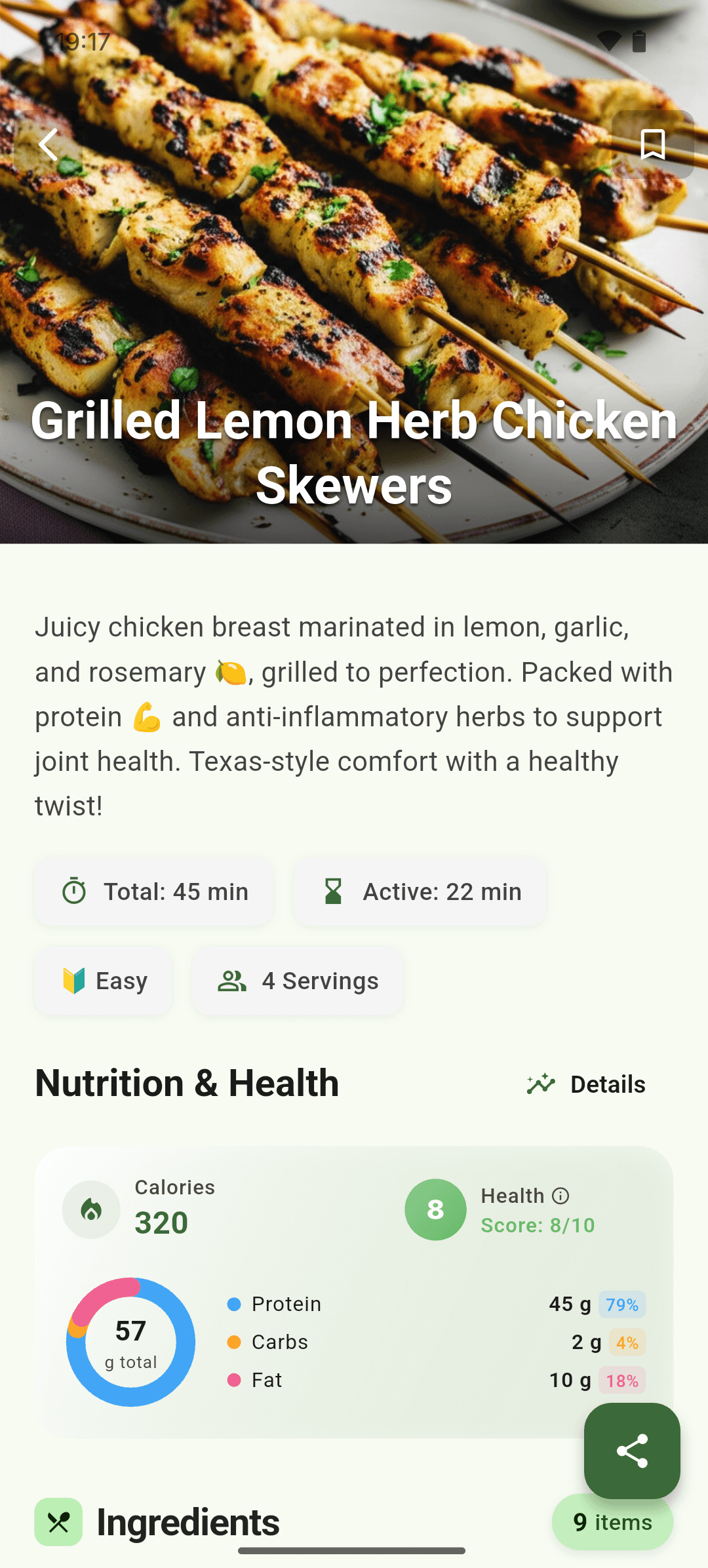
iOS and Android
iOS
- Shelf and receipt scans are estimates; review every detected item before saving.
Android
- Shelf and receipt scans are estimates; review every detected item before saving.
If something looks wrong
- Use a well-lit, straight photo with item labels visible.
- Resolve ambiguous duplicates instead of saving both entries.
Keep learning
Still need a hand?
Tell us which step you reached and what you expected to happen. We will help you find the next move.
Contact support